
Choosing the right keyboard can transform your daily computing experience. Whether you’re a programmer, writer, gamer, or office professional, understanding the fundamental differences between mechanical and membrane keyboards is essential for optimizing comfort and productivity.

The keyboard beneath your fingertips plays a more significant role in your workflow than most people realize. Beyond simple text input, it affects your typing speed, accuracy, physical comfort, and even your long-term health. This comprehensive guide unveils everything you need to know about mechanical versus membrane keyboards to make an informed decision.
🔍 Understanding the Fundamental Architecture
The core difference between mechanical and membrane keyboards lies in their internal construction and how they register keystrokes. This fundamental distinction creates cascading effects on performance, feel, durability, and ergonomics.
Mechanical keyboards utilize individual mechanical switches beneath each keycap. When you press a key, a physical switch mechanism activates, registering the keystroke through metal contact points. Each switch contains a spring, stem, and housing that work together to provide tactile feedback and audible clicks.
Membrane keyboards, conversely, employ a pressure pad system with three layers: a top membrane layer, a middle spacer layer, and a bottom circuit layer. When you press a key, the top membrane flexes downward through the spacer until it contacts the bottom circuit, completing the electrical connection to register the keystroke.
The Switch Technology That Makes the Difference
Mechanical switches come in numerous varieties, with Cherry MX switches being the gold standard. These include linear switches (smooth keystroke without tactile bump), tactile switches (noticeable bump without audible click), and clicky switches (both tactile bump and audible click). Alternative manufacturers like Gateron, Kailh, and Razer have developed their own variations with unique characteristics.
Membrane technology, while simpler, has evolved to include variations like scissor-switch mechanisms found in many laptop keyboards, which provide slightly improved tactile response compared to standard dome-switch membranes.
⌨️ Typing Experience and Performance Metrics
The typing experience represents the most immediately noticeable difference between these keyboard types. Mechanical keyboards typically offer superior tactile feedback, allowing typists to feel exactly when a keystroke registers without bottoming out the key.
This tactile certainty translates to faster typing speeds for many users. The actuation point—the distance you must press before the keystroke registers—occurs midway through the key travel on mechanical keyboards, approximately 2mm on most switches. This means you don’t need to fully depress each key, reducing finger fatigue during extended typing sessions.
Accuracy and Error Reduction
Mechanical keyboards generally promote higher accuracy due to their consistent actuation force and clear feedback. Each keystroke feels identical, helping your muscle memory develop more precisely. The definitive feedback reduces accidental keystrokes and double-presses that can occur with mushier membrane keyboards.
Membrane keyboards require full depression to activate, with actuation points at approximately 3-4mm. The softer, less defined feedback can lead to uncertainty about whether a keystroke registered, potentially causing slower typing speeds as users wait for visual confirmation on screen.
🏥 Ergonomics and Long-Term Health Considerations
Ergonomics extends beyond initial comfort to encompass long-term health impacts. Repetitive strain injuries (RSI), carpal tunnel syndrome, and finger fatigue plague professionals who spend hours at keyboards daily. The right keyboard choice can significantly mitigate these risks.
Mechanical keyboards generally require less force per keystroke and don’t demand bottoming out, reducing the impact stress on your fingers, hands, and wrists. The typical actuation force ranges from 45g to 60g depending on switch type, with the keystroke registering before full depression.
This lighter touch and shorter travel distance reduce the cumulative strain over thousands of keystrokes. Studies have shown that the reduced impact force can decrease finger fatigue by up to 30% during extended typing sessions compared to membrane alternatives.
Customization for Personal Ergonomic Needs
Mechanical keyboards offer unparalleled customization options for ergonomic optimization. You can select switch types based on your preference for actuation force, travel distance, and feedback style. Some enthusiasts even use different switch types for different keys based on finger strength and usage patterns.
Hot-swappable mechanical keyboards allow you to change switches without soldering, enabling experimentation to find your perfect ergonomic match. You can also replace keycaps with ergonomic profiles designed to reduce finger extension and improve typing posture.
Membrane keyboards provide limited ergonomic customization. While some models feature ergonomic shapes and split designs, the underlying membrane technology remains fixed. You cannot adjust actuation force or feedback characteristics to suit your personal needs.
💪 Durability and Longevity Comparison
Investment in a quality keyboard should consider long-term durability. Mechanical switches are rated for 50 to 100 million keystrokes per switch, depending on the manufacturer. This translates to decades of heavy use for most users.
The robust construction of mechanical switches resists wear and maintains consistent performance throughout their lifespan. Individual switches can be replaced if they fail, extending the keyboard’s overall life even further.
Membrane keyboards typically last 5 to 10 million keystrokes before degradation becomes noticeable. The rubber domes lose elasticity over time, causing keys to feel mushy or fail to register. The membrane layers can also wear through with heavy use, requiring complete keyboard replacement.
Cost-Per-Year Analysis
While mechanical keyboards command higher upfront costs ranging from $70 to $300 or more, their extended lifespan makes them economically competitive. A quality mechanical keyboard lasting 10-15 years costs less annually than replacing membrane keyboards every 2-3 years.
| Factor | Mechanical Keyboard | Membrane Keyboard |
|---|---|---|
| Average Lifespan | 10-15+ years | 2-5 years |
| Keystroke Rating | 50-100 million | 5-10 million |
| Initial Cost | $70-$300+ | $15-$60 |
| Cost Per Year | $7-$30 | $5-$30 |
| Repairability | High (individual switches) | Low (complete replacement) |
🎯 Workflow Optimization for Different Professions
Different professional workflows benefit from different keyboard characteristics. Understanding how each keyboard type aligns with specific work demands helps optimize your productivity and comfort.
Programmers and Developers
Programming involves extended typing sessions with frequent use of special characters, modifiers, and function keys. Mechanical keyboards excel in this environment, offering consistent tactile feedback that reduces typing errors in code where every character matters.
The n-key rollover capability found in quality mechanical keyboards ensures accurate registration of complex keyboard shortcuts and rapid key combinations essential for IDE navigation and code editing. Many programmers report 15-20% productivity increases after switching to mechanical keyboards.
Writers and Content Creators
Writers logging 3,000-10,000 words daily need keyboards that minimize fatigue while maintaining typing flow. Mechanical keyboards with tactile or linear switches provide the smooth, consistent experience that supports creative writing without physical distraction.
The satisfying feedback helps maintain typing rhythm during long sessions, while reduced actuation force prevents the finger strain that can derail writing momentum. Many professional writers consider their mechanical keyboard as essential as their word processing software.
Office Professionals and Administrative Work
Office environments present unique considerations, particularly regarding noise levels. While clicky mechanical switches produce distinctive sounds that some find satisfying, they can disturb colleagues in open office spaces.
Quiet mechanical switches with dampeners or silent linear switches offer mechanical benefits without acoustic disruption. Alternatively, membrane keyboards remain popular in office settings for their whisper-quiet operation, though at the cost of ergonomic and durability benefits.
🎮 Gaming Performance Considerations
Gaming demands differ significantly from typing workflows, emphasizing rapid key repetition, precise actuation, and simultaneous key presses. Mechanical keyboards dominate the gaming sphere for these specific performance requirements.
The faster actuation and reset points of mechanical switches enable quicker key repetition crucial for competitive gaming. Linear mechanical switches, particularly those with short actuation distances like Cherry MX Speed switches, minimize response time between pressing a key and in-game action.
Anti-ghosting and n-key rollover prevent missed inputs during complex key combinations. Competitive gamers often cite mechanical keyboards as providing tangible competitive advantages in fast-paced games where milliseconds matter.
🔊 Acoustic Profile and Noise Management
Sound production significantly impacts keyboard selection, especially for shared workspaces or recording environments. Mechanical keyboards have earned a reputation for being noisy, though this varies dramatically by switch type.
Clicky switches like Cherry MX Blue intentionally produce audible clicks, reaching 50-60 decibels per keystroke. Tactile switches reduce noise to 40-50 decibels, while linear switches can be quieter still at 30-40 decibels when combined with dampeners.
Modern solutions include O-rings that cushion key bottom-out, silent switch variants with built-in dampening, and desk mats that absorb vibration. These modifications can make mechanical keyboards nearly as quiet as membrane alternatives.
Membrane keyboards naturally operate quietly at 20-30 decibels, making them ideal for noise-sensitive environments without modification. This inherent quietness remains their primary advantage in professional office settings.
💰 Budget Considerations and Value Proposition
Budget significantly influences keyboard decisions, but understanding total cost of ownership reveals surprising value dynamics. Entry-level membrane keyboards start at $10-15, while basic mechanical keyboards begin around $50-70.
However, the dramatically different lifespans alter the value equation. Replacing a $20 membrane keyboard every two years costs $100 over ten years, while a $80 mechanical keyboard lasting the full decade costs less and provides superior experience throughout.
Mid-Range and Premium Options
Mid-range mechanical keyboards ($100-150) offer enhanced features like hot-swappable switches, premium keycaps, and robust build quality. Premium options ($200+) include custom designs, exotic switch types, and luxury materials.
Membrane keyboards rarely exceed $60, with premium options offering minor improvements like ergonomic designs or multimedia controls rather than fundamental technology upgrades.
🌱 Environmental and Sustainability Factors
Environmental consciousness increasingly influences purchase decisions. Mechanical keyboards’ extended lifespan and repairability make them more sustainable choices, reducing electronic waste significantly.
The ability to replace individual components rather than discarding entire units aligns with right-to-repair principles and circular economy models. A mechanical keyboard potentially serves its user for decades, eliminating multiple membrane keyboard replacements.
Membrane keyboards, while using fewer materials initially, contribute more to landfills through frequent replacement cycles. Their non-repairable design makes them disposable products despite lower upfront environmental footprint.
🛠️ Making Your Personal Choice
Selecting between mechanical and membrane keyboards requires honest assessment of your specific needs, workspace constraints, and priorities. Consider these key decision factors:
- Daily typing volume: Heavy typists benefit most from mechanical keyboards’ ergonomic advantages
- Workspace environment: Shared spaces may require quieter options or silent mechanical switches
- Budget flexibility: Initial investment capacity versus long-term value considerations
- Portability needs: Frequent travelers may prefer slimmer membrane options
- Tactile preferences: Some users genuinely prefer the softer feel of membrane keyboards
- Professional requirements: Specific workflows may demand particular keyboard characteristics
Testing Before Committing
If possible, test both keyboard types before purchasing. Many computer stores have display models, and switch testers allow sampling different mechanical switch types. Some mechanical keyboard communities organize meetups where enthusiasts share their collections for testing.
Your hands provide the ultimate verdict. What feels comfortable and supports your workflow matters more than technical specifications or popular opinion.
⚡ The Verdict for Ultimate Comfort and Ergonomics
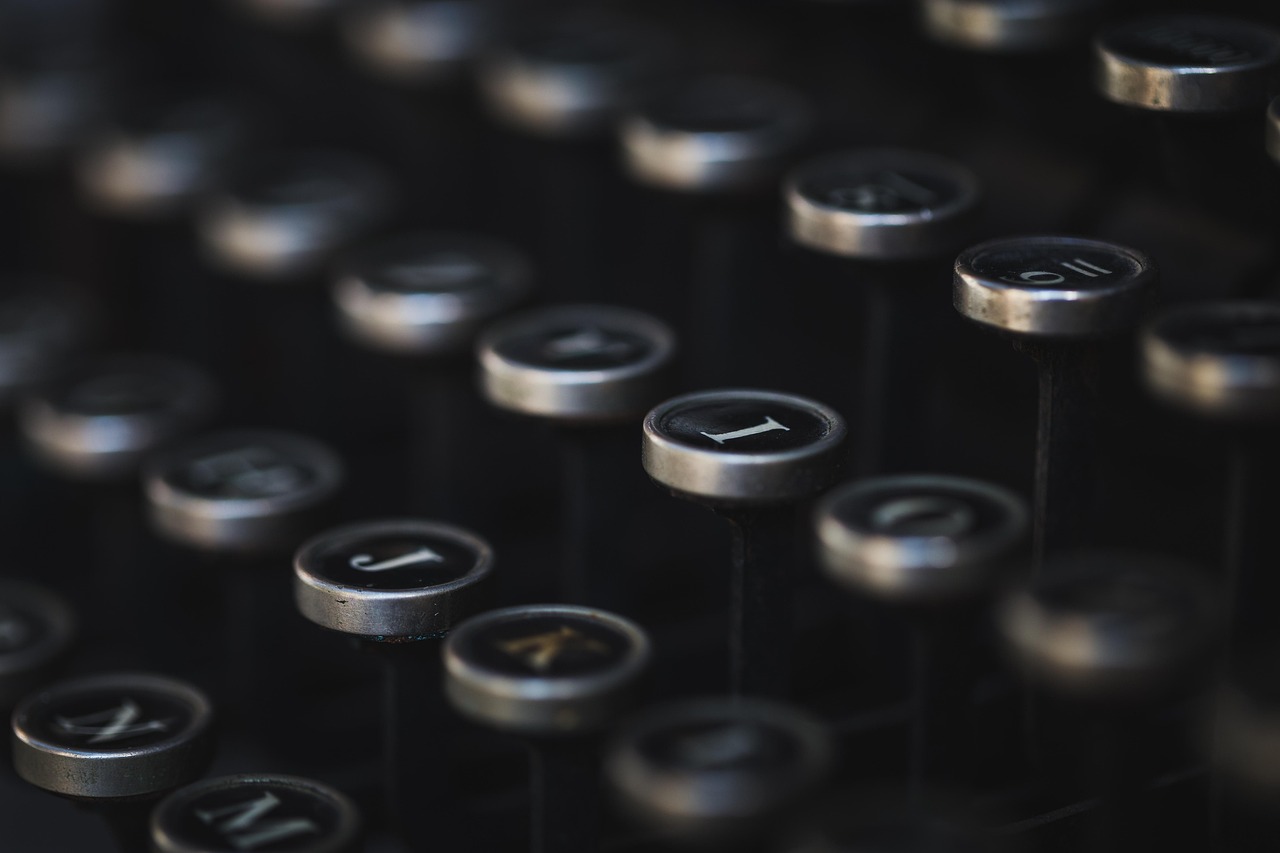
For most users prioritizing comfort, ergonomics, and long-term workflow optimization, mechanical keyboards emerge as the superior choice. Their tactile feedback, reduced actuation force, and customization options directly address ergonomic concerns that affect daily computing comfort.
The higher initial investment pays dividends through years of consistent performance, reduced physical strain, and potential productivity improvements. Users who type extensively—programmers, writers, data entry professionals—find the ergonomic benefits justify any premium cost.
However, membrane keyboards maintain relevance for specific use cases: extremely budget-constrained purchases, ultra-portable setups, noise-restricted environments, or users who genuinely prefer their softer feel. They serve adequately for light computer use where keyboard ergonomics play minor roles.
The ultimate choice depends on your individual circumstances, but understanding these fundamental differences empowers informed decisions that support your comfort, health, and productivity for years to come. Your keyboard represents one of your primary interfaces with digital work—choosing wisely significantly impacts your daily computing experience and long-term physical wellbeing.




